Entry · Ref YVIECABT
Moving from scattered files to structured drone data management
- Posted
- 2026-11-14
- Last amended
- 2026-11-14
- Account
- @overheadinsights
The trouble with scattered drone files
Anyone who has flown drones for more than a few projects knows the feeling. You land, pull the memory card, and dump a folder of images or video onto a laptop. Over weeks and months those folders multiply: "Survey_01", "Survey_01_processed", "Survey_02_v2", "final_deliverable_3". File names become a mix of dates, locations, and last-minute edits. When a client asks for a specific orthophoto from six months ago, you find yourself scrolling through dozens of folders, opening random previews, and hoping the metadata matches the job number.
This is the scattered file storage approach. It works for a handful of flights, but as operations scale, the cracks become hard to ignore. Duplicate files, lost versions, and hours spent hunting for the right image are symptoms of a workflow that was never designed for the volume and variety of drone data that modern projects produce.
What scattered storage looks like in practice
Scattered storage usually means saving files across local drives, external hard disks, cloud sync folders, and email attachments. Each pilot or office worker may keep their own copy. A typical project folder might contain raw images, processed orthomosaics, point clouds, PDF reports, and a dozen intermediate files. There is no central index, no standard naming convention, and no way to search across all projects at once.
The drawbacks multiply as the team grows. If two people process the same flight, the output may be saved in two different places. A client revision means re-exporting and re-uploading. Metadata such as flight date, altitude, or camera settings stays locked in the file names or in a separate spreadsheet that quickly goes out of date.
The case for structured drone data management
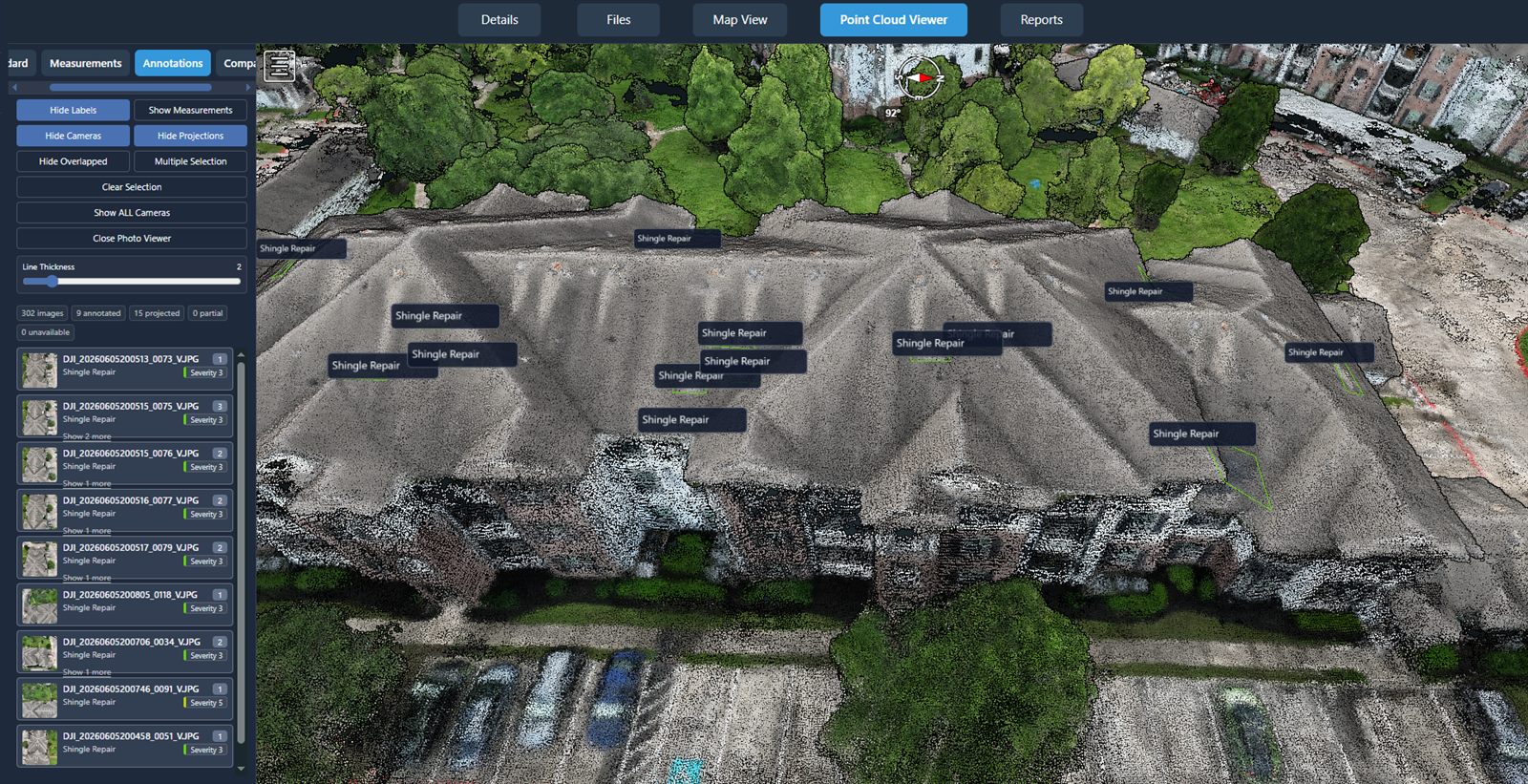
Structured drone data management is a different approach. Instead of treating each file as an isolated object, it treats the entire dataset as a connected collection. Every image, video, point cloud, or report is linked to the project, the flight, and the processing steps that produced it. Search becomes fast and reliable. You can find all orthophotos for a given site, or all flights above a certain altitude, without opening a single folder.
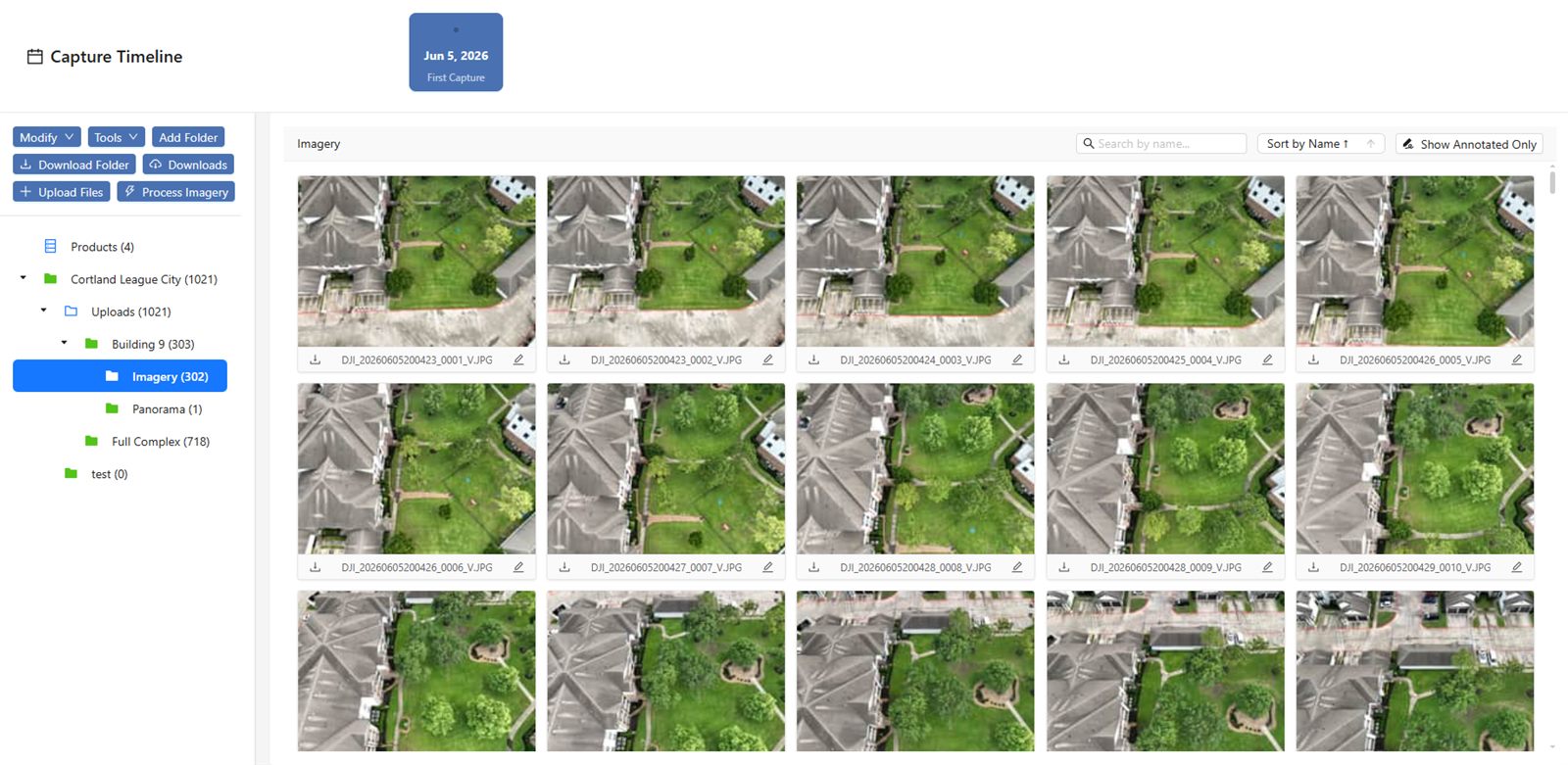
A structured system usually includes a central repository, a consistent metadata schema, and tools for viewing, comparing, and sharing data. Some platforms also handle the processing pipeline themselves, so raw files become deliverables inside the same environment. This cuts out the manual step of exporting, renaming, and re-uploading.
When scattered storage still makes sense
Scattered file storage is not always the wrong choice. For a single operator who flies the same small site once a month and delivers raw images directly, a well-organised folder hierarchy can be perfectly adequate. The cost of setting up a structured system may outweigh the benefit when the data volume is low, the team is small, and the client does not ask for complex deliverables.
It also suits situations where data is largely archival and rarely revisited. If you fly a one-off inspection and never need to compare it with later flights, a simple folder with a good name may be all that is required. The key is recognising when your workflow has outgrown this approach.
When to move to a structured platform
The tipping point arrives when you notice any of these signs:
- You spend more than a few minutes searching for a specific file.
- Multiple people need to access the same data from different locations.
- You need to compare data from different dates or sensors side by side.
- You produce multiple types of output from the same flight, such as orthophotos, 3D models, and reports.
- A client asks for data in a format you did not originally export.
At this point, the inefficiency of scattered storage starts to eat into project margins. A structured system can pay for itself in time saved and reduced rework.
What to look for in a data management approach
Whether you build your own workflow or use a dedicated service, a good system should offer several features. First, it must handle the file types you actually use. Orthophotos, point clouds, video files, and PDF reports each have different viewing and storage requirements. Second, it should let you attach meaningful metadata to each file - flight date, location, sensor type, processing parameters - and then search on those fields. Third, it should support versioning, so you can see what changed between one deliverable and the next. Fourth, it should allow controlled sharing with clients or colleagues without giving everyone full access to your entire dataset.
For organisations that need nationwide coverage or turnkey capture services, a platform like National Drone Services provides a way to handle the entire lifecycle of aerial data. The platform is designed for uploading, processing, organising, visualising, comparing, measuring, and sharing drone data. This removes the need to stitch together separate tools for storage, processing, and delivery. Everything lives in one place, searchable and accessible from any device.
Of course, the right choice depends on your specific mix of projects, team size, and client expectations. A small team doing occasional flights may be fine with a shared network drive and a spreadsheet. A larger operation handling multiple sites per week will find that a dedicated platform saves more than it costs.
Practical steps for making the switch
If you decide to move from scattered files to a structured system, the transition does not have to happen overnight. Start with your most active projects. Migrate the raw data and final deliverables for the current quarter, and leave older archives in place until they are needed. Set up a consistent naming convention and metadata template before you import anything. Train everyone who will use the system on the same workflow, so data is entered consistently from the start.
Check that the platform you choose can import your existing file structure and preserve any metadata you have already embedded. Some platforms allow bulk uploads with automatic metadata extraction from EXIF or flight logs, which saves a great deal of manual data entry.
After the migration, run a few tests. Search for a file from a specific date or location. Try to compare two orthophotos from different flights. Share a deliverable with a client and confirm they can view it without needing special software. These tests will reveal any gaps in your new workflow before they become problems on a live project.
Keeping the balance
No single approach fits every situation. A hybrid model can work well: use a structured platform for active projects and recent data, while keeping a simple archive for completed work that is unlikely to be revisited. The important thing is to have a deliberate strategy rather than letting files pile up in whatever folder is closest.
Drone data management is not just about storage. It is about making sure the data you collect retains its value over time. A well-organised dataset lets you answer client questions quickly, compare conditions across seasons, and reuse processing work instead of starting from scratch. Whether you adopt a dedicated platform or refine your own folder system, the goal is the same: spend less time managing files and more time using the data.
National Drone Services on social media
 Facebook